How it works
You decide what to block and when. Alric holds the door.
Pick what costs you
Apps, whole categories, websites. Blocking runs through Apple's Screen Time, so it holds even when Alric is closed.
Create your modes
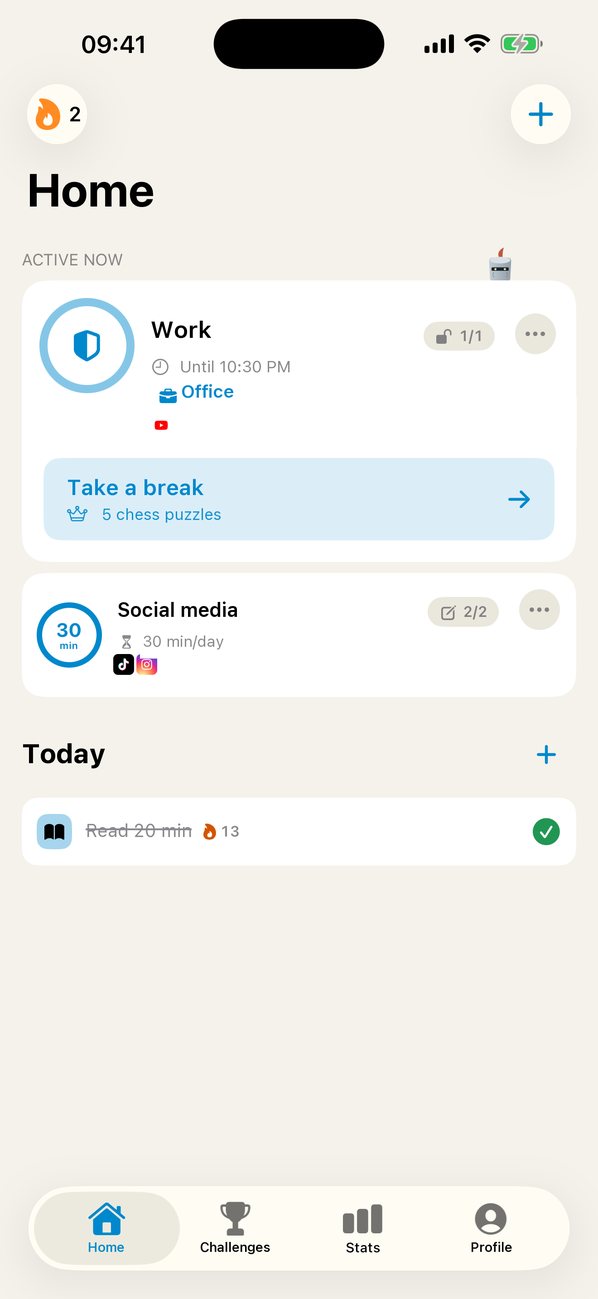
A mode is a set of blocked apps and a rule: a time range, a daily limit, or a place. Walk into the office and YouTube locks itself.
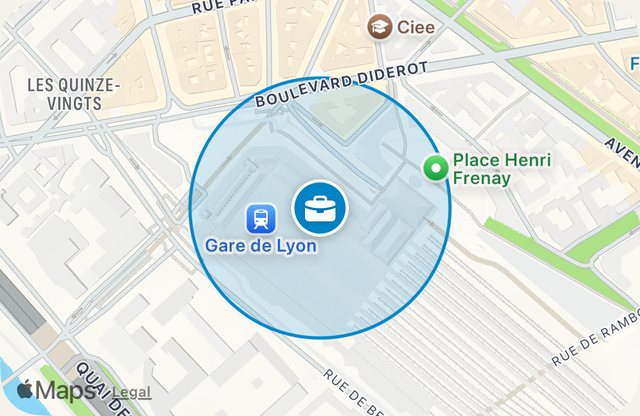
Office150 m zone · Work mode Earn every break
When you want to reopen an app, Alric gives you a challenge. Pass it and your break starts. You choose what you learn, and for how long.
The challenges
Your thumb wanted TikTok. It gets a question instead.
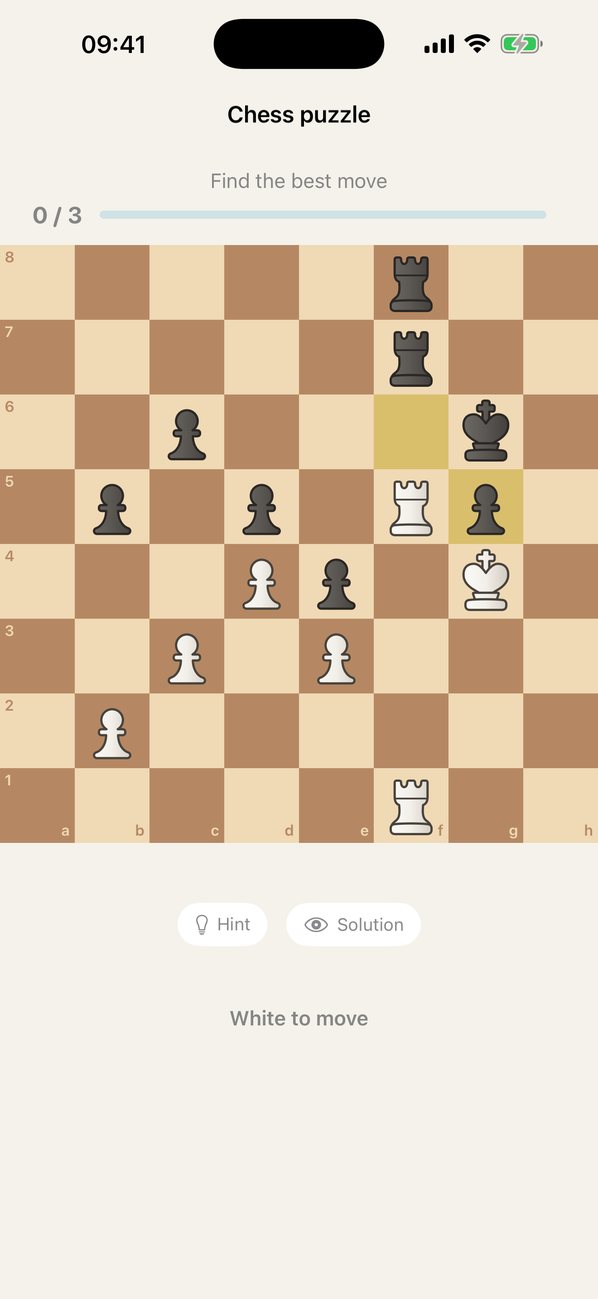
Positions taken from real games. Free: set your level from 800 to 2,400 Elo. With Pro, the level follows you puzzle after puzzle.
English, French, German, Italian, Spanish, Portuguese. Beginner level for free. With Pro, up to advanced, and words come back right when you were about to forget them.
History, science, philosophy, film, art, literature, sports, economics. You pick your topics.
Find them on the map, by capital, flag or outline. The whole world or a single continent.
Snap a page or send a PDF: AI turns it into cards, and you review during your breaks. Or pick from 18 free ready-made decks: periodic table, Greek alphabet, Latin, Morse code, constellations, notes on the staff.
Habits
Steps first, then your apps.
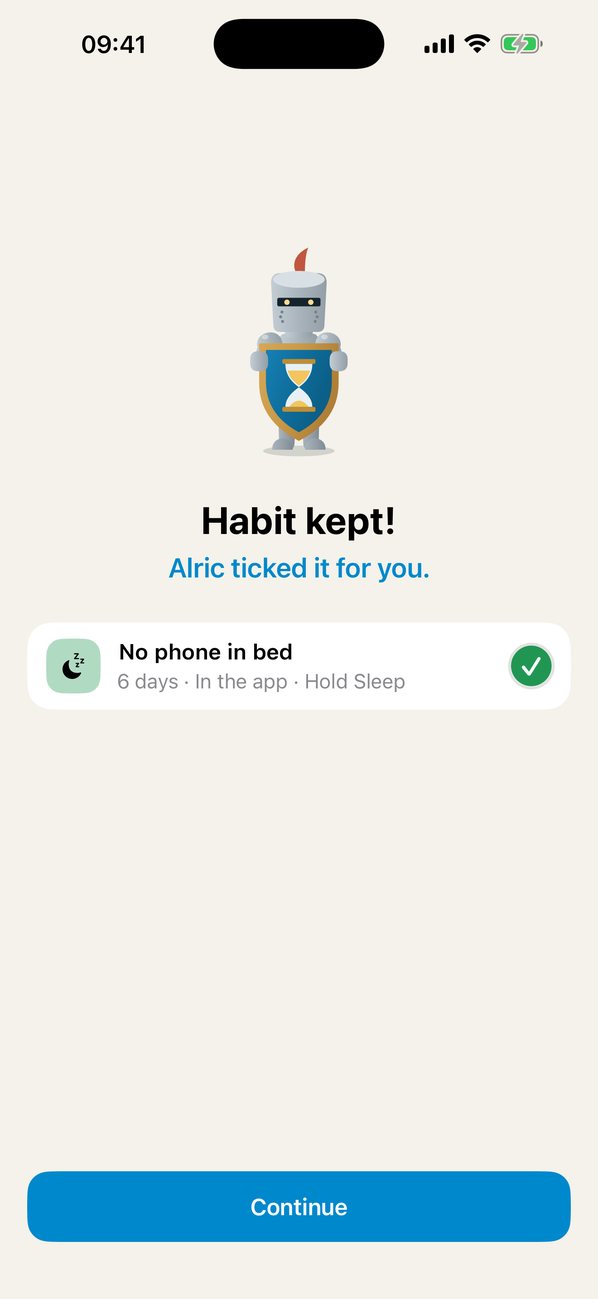
A habit can keep your apps locked until it's done. Link your accounts and Alric checks for you: your 10,000 steps are in, the box ticks itself, your apps come back. No cheating, no forgetting either.
 Apple Health
 Strava
 chess.com
 Readwise
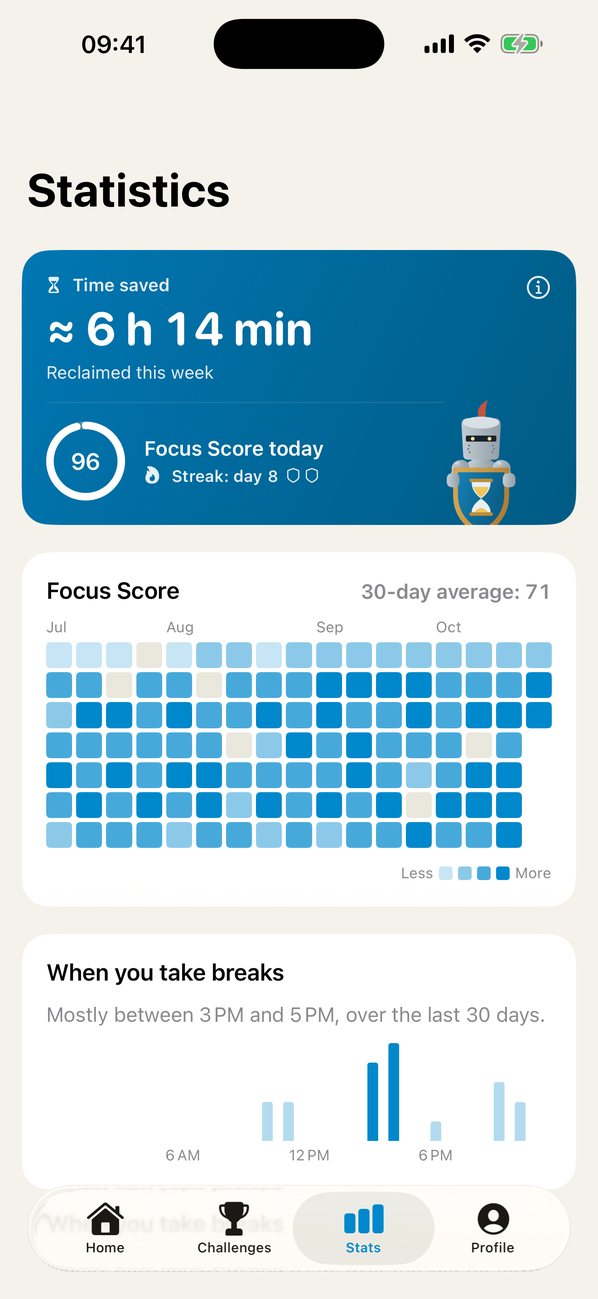
Focus Score
By evening, you know if your day was yours.
A score out of 100, every day. It compares the time spent on the apps that scatter you with your previous week, and checks whether you kept your modes. 50 or more and your streak grows. A missed day costs a joker, not the whole streak.